 MiCentrum
Help for those already using MiCentrum
Learn what you need in just a few minutes
Tutorials are not a requirement to get started. They are support for when you are already inside: pay, validate a receipt or create a fund.
We are organizing and updating the tutorials so that each user quickly finds the guide they need.
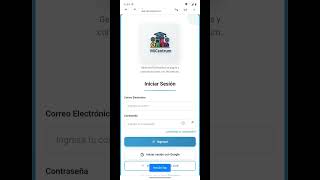
Install MiCentrum on Android
Guide to accessing MiCentrum from a Android device.
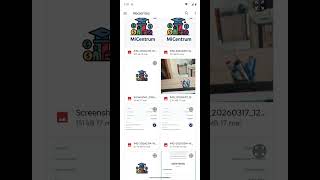
Register a payment
Learn how to upload a credit card and attach proof.
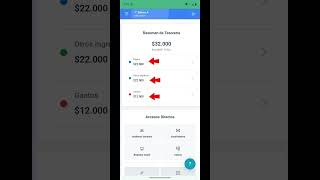
See my payments
Review registered payments, statuses and associated movements.
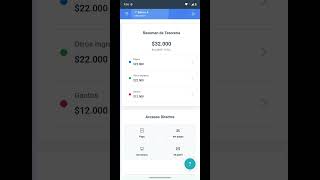
General tour Agent
Learn about the main functions for representatives.
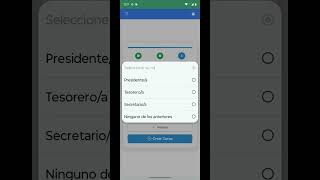
Create a course
First steps to setting up a course community.
Invite proxies
How to share access so that more families join.
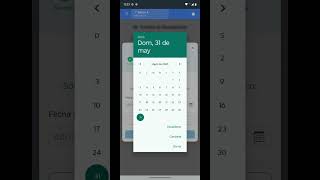
Create backgrounds
Set up fundraising funds for fees or activities.
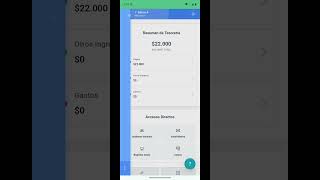
Validate payments
Review receipts and approve or reject payments.
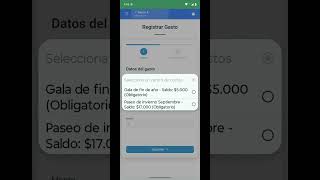
Record expenses
Add course expenses with detail and support.
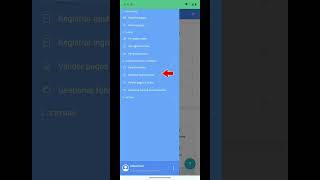
Record income
It incorporates extraordinary income or special contributions.
Enter the app
Put into practice what you learned in the tutorials and start using MiCentrum.